Webpages are written in html with .htm or .html file extensions, so that your computer knows to open the doc in a web browser. All html pages start from a basic "skeleton" of html code (see html section below). The page and its regions (layout) are all defined by html tags (typically div tags), then css is used to define the object properties.
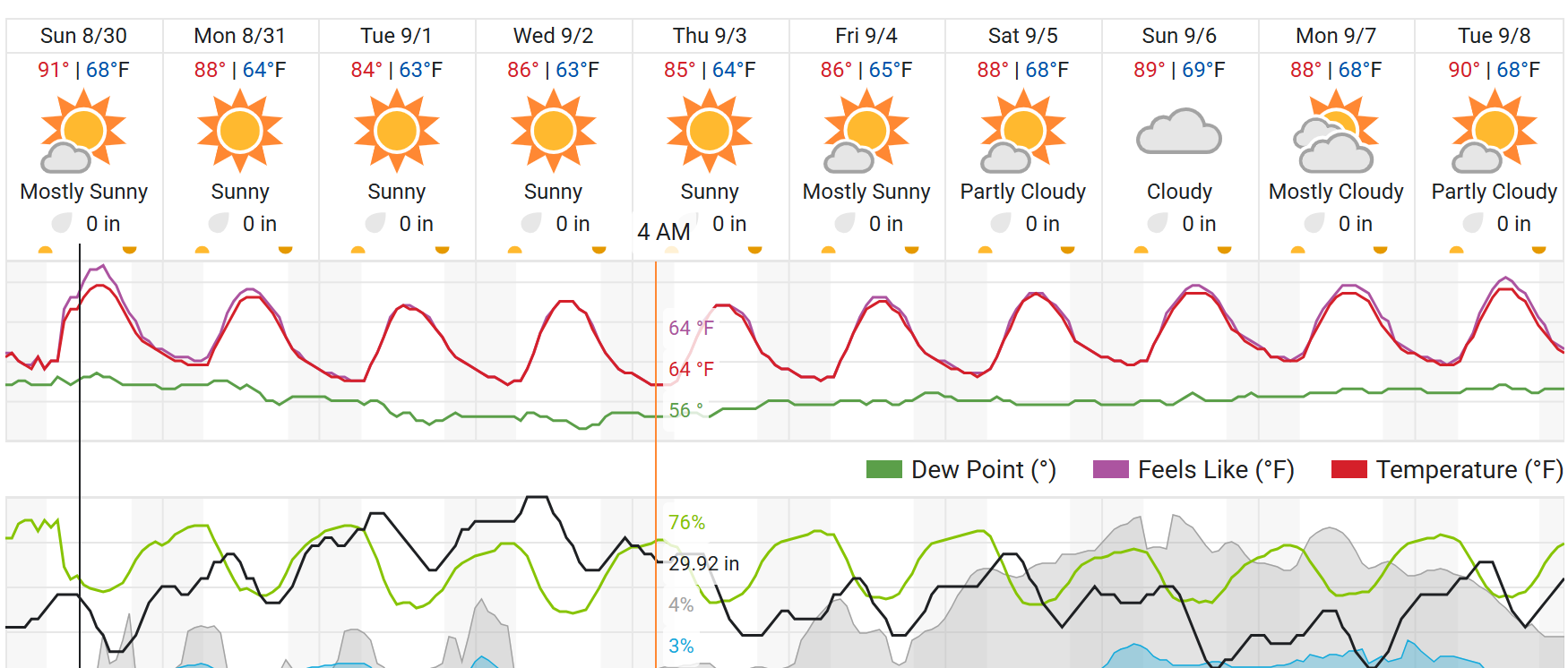
Weather Site here
Css or styles are the design layer of a page, which are attached to or embedded in html tags. I.e. css impose design properties onto objects that are created by html tags. These are typially implemented trhough a stylesheet" with named ID or CLASSES that individual html tags use class and id names to be connected (see css section below). Styles can also be entered directly "inline" inside of html tags, and stylesheet names can also include instructions for all tags of a certain type (such as all images).
You will build html pages on your computer in an editor (such as VSCode) and preview or test them by opening the same file in a web browser (such as Chrome). BUT, at some point you need to upload or "publish" the page to a server so that you can have a ur to link and share, i.e.. the "World" cannot see files on your laptop, so you need to upload your page (AND its images and other files) to the server, then get the url of the page (through the server), to be able to submit an assignment in Brightspace or email/share it with a friend. For now you will use the cPanel > File Manager option to upload files to your server space.
NEWSTexas chiropractor among dead from Grand Canyon flood, 2 fellow hikers missing Your Labor Day weekend forecast 2026: Will rain or heat ruin your outdoor plans? Tropical storm warning issued for Louisiana, Texas coasts ahead of soaking, potential Edouard See it: Storm flips dozens of railcars, pelts homes in Lynndyl, Utah 0:23 Nepal-China death toll tops 900: Hundreds of workers feared stuck in hydropower tunnels